Enterprise Architecture · App Modernization
Power Platform vs Delphi: 7 App Development Principles
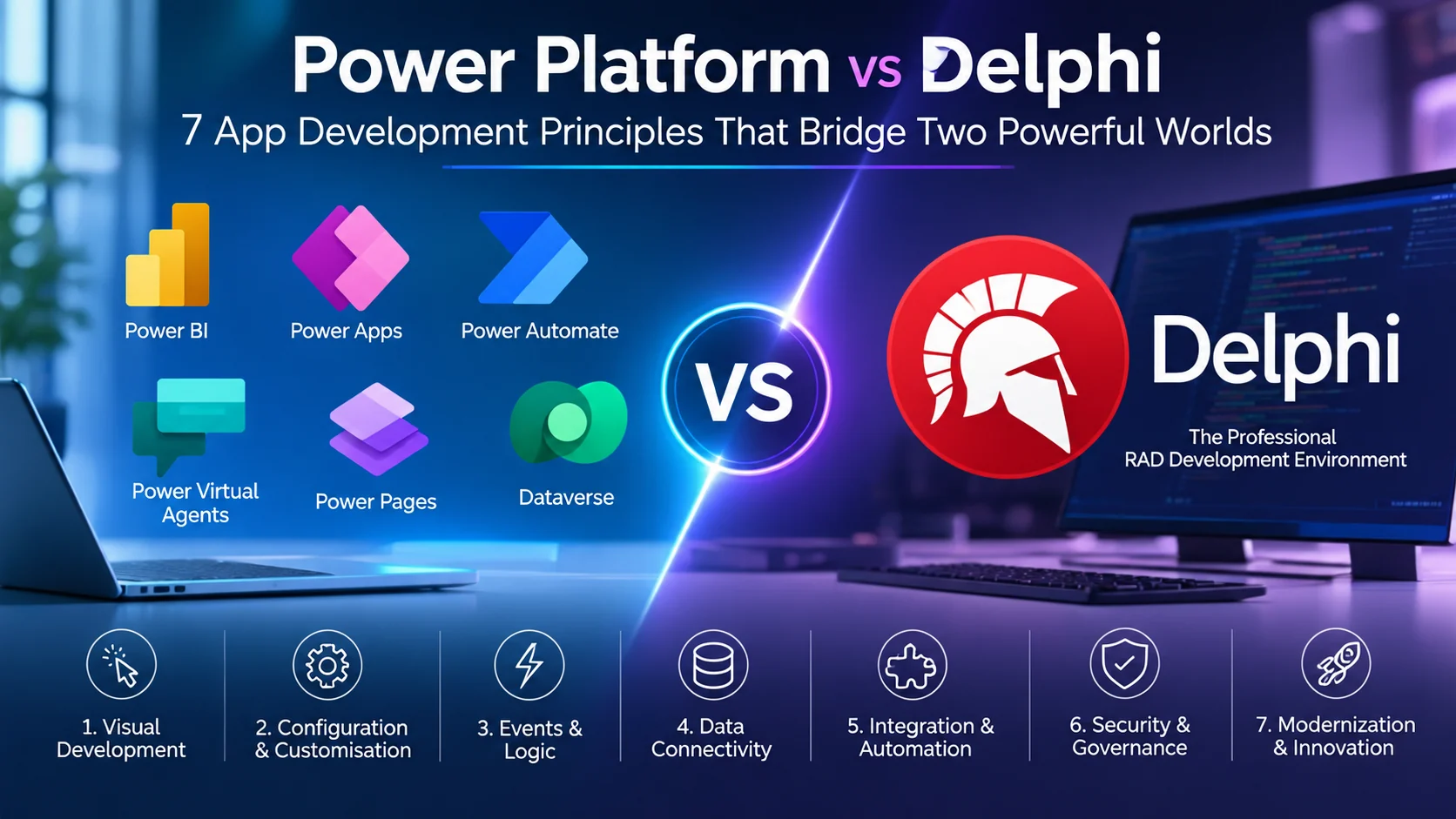
Microsoft Power Platform and Delphi share a familiar visual development rhythm, but differ in how they handle logic, data connectivity, automation and governance.
Power Platform vs Delphi is a comparison of two different development models that share a familiar starting point: visual application design. In Delphi Rapid Application Development (RAD), developers place components on forms, configure properties, connect event handlers, and refine the result. In Microsoft Power Apps, makers add controls to a canvas, configure properties, connect data and behaviour, then preview and improve the app. The main differences appear in how logic is expressed, data is connected, workflows are automated, and solutions are governed.
For teams weighing Power Platform vs Delphi, the goal is not to treat the tools as interchangeable. It is to recognise their shared principles, understand where the platforms diverge, and choose an approach based on application requirements and modernization goals.
02 · Development environment
Understanding the workspace: Delphi IDE and Power Apps Studio
Delphi’s visual workflow brings together the form designer, component palette, code editor, and Object Inspector. These tools support a development process in which the interface and its implementation can be inspected side by side.
Power Apps Studio provides a canvas for arranging controls, insertion options for adding elements, and a Properties pane for configuring the selected control. Microsoft’s Power Apps canvas apps documentation explains how to create apps, configure controls, connect data sources, test, and publish. For example, selecting a Button allows its properties—such as its displayed text and sizing—to be inspected and adjusted.
The workspaces are not identical, but both keep visual composition and configuration close together. That makes the core workflow easier to recognise than the different product terminology might initially suggest.
03 · Logic and execution
From components to behaviour: events versus Power Fx
Placing a control creates the visual element, but behaviour comes from the logic connected to it. This is where the platforms begin to differ more substantially.
| Development concept | Delphi | Power Apps |
|---|---|---|
| Visual element | A component placed on a form. | A control placed on a canvas or screen. |
| Configuration | Properties managed through the Object Inspector. | Properties managed through the Properties pane and formulas. |
| Behaviour | Procedural Pascal methods and event handlers, operating within the VCL event model. | Power Fx formulas and behaviour functions, such as Patch, Navigate, and Collect. |
| Developer emphasis | Explicit procedural implementation and detailed control over application logic. | Declarative, low-code expression of control behaviour, state, and data operations. |
In Delphi, a component’s event handler commonly contains Pascal code that responds to a user action. The application’s event-driven execution is associated with the operating system’s message processing and the VCL event loop.
In Power Apps, formulas express what a property should display or what should happen when an action occurs. Functions such as Patch, Navigate, and Collect can connect user interactions to data changes, navigation, and in-app collections.
Power Fx is designed to feel familiar to people who have worked with spreadsheet formulas, while Delphi typically makes procedural logic more explicit. Microsoft describes Power Fx as a declarative, low-code language with formula concepts that build on spreadsheet familiarity; see the official Power Fx overview. The key Power Platform vs Delphi distinction here is how behaviour is expressed: procedural event handlers in Delphi versus declarative formulas and behaviour functions in Power Apps. Neither model removes the need for sound application design.
04 · Data architecture
Data binding moves from datasets to connectors and services
Data-aware interfaces need a clear path between the presentation layer and the information an application reads or changes. In the Power Platform vs Delphi comparison, data architecture is one of the clearest differences: Delphi commonly uses datasets and data-aware components, while Power Apps connects controls to data through connectors and services.
The Delphi approach
In Delphi, developers can place data-aware components on a form and connect them to data modules. Components such as TDataSet and TDataSource provide a structured way to expose dataset state to interface controls, including grids that work with stateful cursors.
The Power Platform approach
In Power Apps, developers place controls on a canvas, choose a connector, and bind properties or formulas to a data source. Common examples include SharePoint, SQL Server, and Microsoft Dataverse. The connected service can provide data entities, security controls, and business rules, depending on the source and configuration.
A useful way to think about the difference is that Delphi’s familiar data-aware component pattern centres on datasets and data sources, while Power Apps often connects the canvas to services through connectors.
05 · Process integration
From a user action to a verified business outcome
A button or status control is often only the starting point. The meaningful result may be a record update, a notification, an approval, or another enterprise process.
In Delphi, a user action may invoke custom services, execute application logic, or coordinate work through threads. In Power Platform, a control can be connected to a Power Automate flow, making background automation and approval processes visible as part of the solution design. A practical Power Platform vs Delphi assessment should therefore examine how each option connects user actions to services and verifies the resulting business outcome. See Microsoft’s Power Automate documentation for supported workflow patterns and integration options.
A typical Power Platform process can be understood as a sequence:
- User action: someone selects a button, changes a status, or submits information.
- Flow trigger: the action starts the configured automation or approval path.
- Connector execution: the flow interacts with connected services or data sources.
- Outcome: the intended data update, notification, or business process is completed and can be checked.
The practical distinction is not simply visual versus code-based development. It is also how each environment represents and manages integration. Power Automate makes many cloud workflows visual and first-class, while Delphi solutions may implement integration through custom code and services.
06 · Architecture decisions
Choosing the right approach for your workflow
When comparing Power Platform vs Delphi for a real project, neither platform is automatically the best choice for every application. The decision should reflect the required level of control, delivery speed, integration needs, governance model, and the systems already in use.
| Decision area | Questions to consider |
|---|---|
| Control and depth | How much control is needed over application behaviour, implementation detail, and custom code? |
| Iteration speed | How quickly must the team build, preview, test, and refine the application? |
| Integration | Which databases, services, existing applications, and enterprise processes must be connected? |
| Governance | How will security, compliance, monitoring, and business–IT oversight be managed? |
| Operational fit | What are the performance, scalability, licensing, team-skill, and maintenance requirements? |
Power Platform governance includes environments and practices for security, compliance, monitoring, and business–IT oversight. As solutions move beyond experimentation, teams should establish appropriate controls for where applications and flows are built, how data is shared, and how changes are managed.
The goal is to choose based on requirements rather than familiarity alone. A team’s existing Delphi experience is valuable, but the target application’s architecture and operating constraints should guide the final decision.
07 · Practical modernization
A four-stage roadmap for Delphi developers exploring Power Platform
A Power Platform vs Delphi transition path lets developers reuse familiar concepts while learning Power Fx, cloud integrations, and the governance practices of Power Platform. A gradual approach makes it easier to test the fit before committing to a broader modernization effort.
Start with the basics
Place Delphi components on forms, then repeat the exercise with Power Apps controls on screens, galleries, and containers.
Get comfortable with Power Fx
Configure properties, connect events or formulas, and preview how controls respond to user interaction.
Keep governance in check
Begin with test data, then introduce environment isolation, data loss prevention (DLP) policies, and application lifecycle management (ALM) pipelines.
Add custom code when it helps
Use drag-and-drop for suitable parts of the solution, and consider Power Apps Component Framework (PCF), Azure Functions, or Delphi services where additional depth is needed.
This roadmap does not assume that every application should be rebuilt in low-code tools. It provides a learning path for assessing where visual development and governed cloud services are a good fit, while retaining custom-code options where they provide clear value.
Common questions
Frequently asked questions about Power Platform and Delphi
Is Power Apps the same as Delphi?
No. Power Platform vs Delphi is not a like-for-like comparison: both support visual application building, but they use different development and execution models. Delphi commonly combines visual components with Object Pascal event handlers, while Power Apps uses a canvas, connectors, and Power Fx formulas.
Can Delphi developers learn Microsoft Power Platform?
Yes. Experience with forms, components, properties, data binding, and event-driven interfaces provides a useful foundation. The main learning areas are Power Fx, cloud connectors, Power Automate, and Power Platform governance.
Does Power Platform eliminate the need for custom code?
No. Low-code tools can reduce the amount of custom code needed for suitable business applications, but advanced requirements may still call for custom components, APIs, Azure Functions, or existing services.
What should a business consider before modernizing a Delphi application?
Assess business requirements, integrations, data architecture, security, performance, licensing, team skills, maintenance, and governance. A modernization plan should be based on those needs rather than choosing a platform solely because it is newer.
Further reading
For a deeper technical view, start with the official documentation:
Different tools. The same build loop.
Good applications still depend on clear structure, reusable building blocks, connected behaviour, thoughtful data design, and a disciplined preview-and-refine cycle. In the end, Power Platform vs Delphi is less about finding one universal winner and more about matching a development model to the application’s requirements. Recognising their shared workflow can make cross-platform learning and modernization more deliberate.